In this window you add or change a lifespan measurement: the unit in which a spare part’s lifespan is measured, for example calendar days, engine hours or kilometers. The window opens with the pencil or plus button next to the “Lifespan measurement” field on the spare part lifespan form: the plus adds a new measurement, the pencil changes the selected one. You open the spare part lifespan form from the “Spare part lifespan” table on the material form (see Materials).
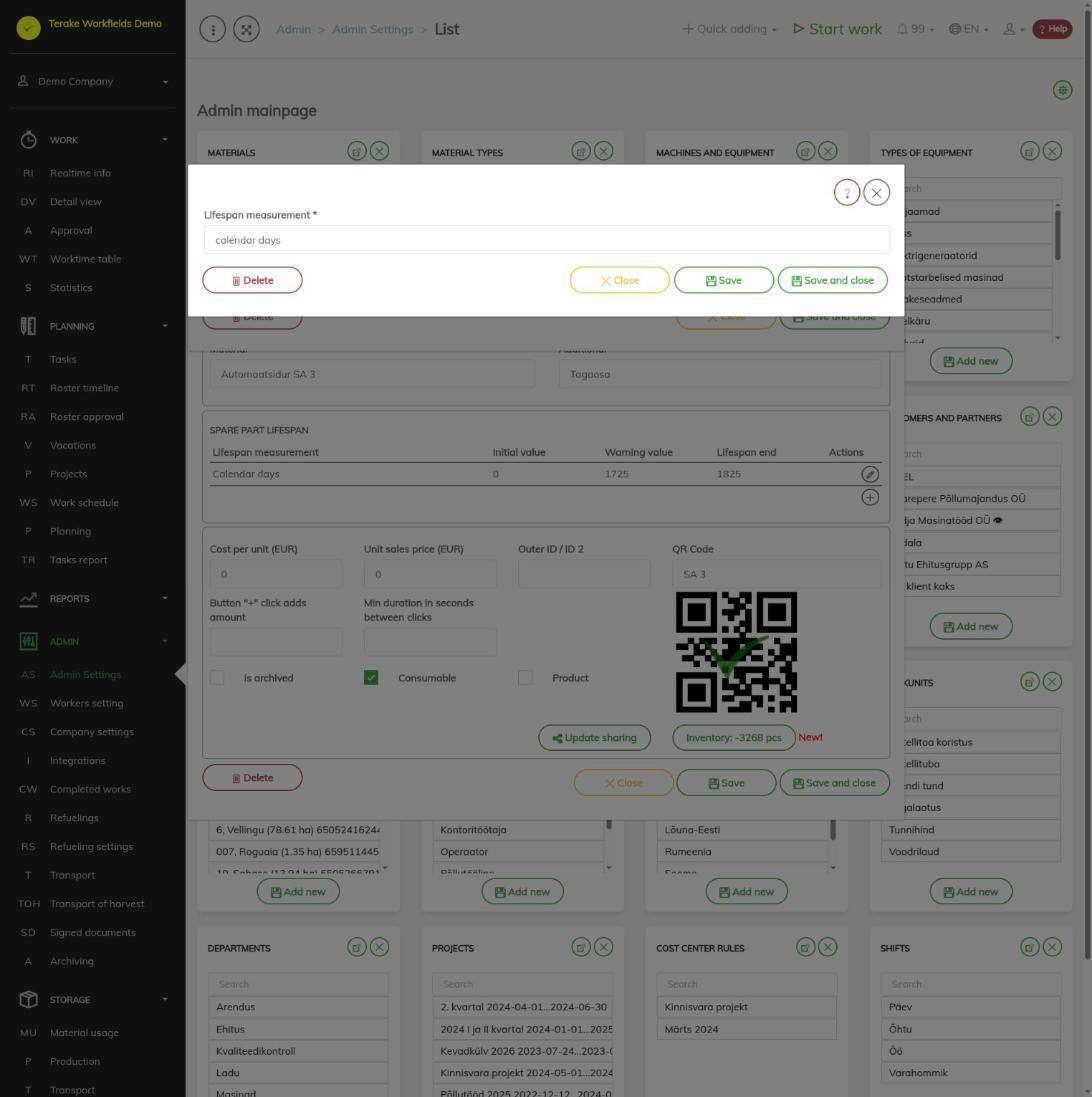
Form fields
The form has one field: “Lifespan measurement” (mandatory), the name of the measurement. The name is shown in the spare part lifespan table, with the machine’s parts and in inspections, so choose a name that says what is measured (e.g. number of cuts or hectares mown).
Terake measurements and your own measurements
- “Calendar days”, “Engine hours” and “Kilometers” are common Terake measurements. They cannot be changed. With them, Terake checks the lifespan of machine parts by itself: engine hours and kilometers are compared with the machine’s latest engine hours and odometer reading, calendar days by time. When a part passes the “Warning value”, a warning is sent; when it passes the “Lifespan end”, a fault is registered for the machine. In the list of machines, this is shown by an icon in the “Faults” column.
- Your own measurement is meant for other wear that the machine does not measure itself. Terake does not know its current value automatically: it is entered during the machine’s inspection when the part is checked. After it is entered, the value is compared with the warning value and lifespan end in the same way.
How to add a lifespan measurement
- Open the spare part material and, in the “Spare part lifespan” table, press the plus button (new row) or the pencil button on a row.
- On the spare part lifespan form, press the plus button next to the “Lifespan measurement” field.
- Enter the name in “Lifespan measurement”.
- Press “Save and close”. The new measurement is selected in the “Lifespan measurement” field.
- On the spare part lifespan form, fill in the “Initial value”, “Warning value” and “Lifespan end” and press “Save and close”.
How to change or delete a lifespan measurement
- On the spare part lifespan form, select one of your company’s measurements in the “Lifespan measurement” field and press the pencil button next to it.
- Change the name and press “Save” or “Save and close”. The new name is shown on all materials and parts where the measurement is used.
- To delete the measurement, press “Delete”. Only delete a measurement that no spare part uses.
Who can see and change it
The window opens from the material form. Lifespan measurements can be added and changed by the “Administrator”; the “Agronomist”, “Vehicle service” and “Stock management” roles may change materials, but no role gives a separate right to change lifespan measurements. If “Users have by default create privilege” is ticked in the company settings, other users, except “Observer” and “ARIB employee”, can also add a new measurement with the plus button and change a measurement they added within 48 hours of adding it. Nobody can change the common Terake measurements.
Tips
- If wear depends on engine hours, kilometers driven or time, use the Terake measurement, not your own measurement with the same name; otherwise the lifespan is not checked automatically.
- You set the spare part lifespan values on the material; you see the state of a machine’s parts on the machine form, see Machines and equipment.
API calls on this page
For integrations and AI assistants: this page uses the following Terake API calls. The full description is in the API reference.
Other calls from this screen’s dialogs and actions (from the web client’s code):